Meeting minutes are the official written record of a meeting: who attended, what was decided, and who agreed to do what by when. They’re written after the meeting, circulated to attendees, and approved at the next one. The free templates below are editable MS Word files, and beneath them you’ll find a filled-in example with an action items table, plus the one principle that separates useful minutes from a three-page transcript nobody reads.
Minutes or Agenda?
Two documents for the same meeting, at opposite ends of it:
- The agenda is written before. It lists what will be discussed, in order, with timings and who’s leading each item. It’s circulated in advance so people arrive prepared.
- The minutes are written after. They record what actually happened against each of those items: the decisions reached and the actions agreed.
The useful connection between them: the agenda becomes the structure of the minutes. Take the agenda into the meeting as your minute-taking document, and write under each heading as you go. You finish the meeting with the skeleton already built.
What Goes in Meeting Minutes
- Meeting name and type — “Monthly Operations Meeting,” “Project Steering Group.”
- Date, start time, and location (or platform, for online meetings).
- Attendees, plus apologies from those who couldn’t attend. Note anyone who joined late or left early, with the time — it matters for which decisions they were present for.
- Chair and minute-taker.
- Approval of the previous minutes — whether they were accepted as accurate, and any corrections.
- Matters arising — updates on actions from last time, before starting new business.
- Agenda items, each with a short summary of the discussion and, clearly separated, the decision reached.
- Action items — what, who, and by when. See the sample below.
- Any other business, and the date of the next meeting.
- Time the meeting closed.
The One Principle: Record Decisions, Not Conversation
Most bad minutes are attempted transcripts. Three paragraphs of who said what, who disagreed, and how the discussion wandered — and then no clear statement of what was actually agreed. Six weeks later, nobody can tell from the document whether a decision was made.
Good minutes are boring and precise. For each item, capture: what was decided, who is doing what, and by when. A sentence or two of context is fine where a future reader would otherwise wonder why — “after reviewing three quotes” — but the discussion itself is not the record. The decision is.
The practical test: hand your minutes to someone who wasn’t there and ask what happens next. If they can answer, the minutes work. If they have to ask, you’ve written notes rather than minutes.
Meeting Minutes Example
|
MONTHLY OPERATIONS MEETING — MINUTES Date: 9 September 2026 | Time: 10:00–11:05 | Location: Meeting Room 2 / Teams Chair: K. Osei | Minutes: D. Ferreira Present: K. Osei, D. Ferreira, M. Chen, S. Malik, R. Silva (joined 10:20) Apologies: L. Brennan |
|||
|
1. Minutes of the previous meeting Approved as an accurate record, subject to correcting the delivery date in item 4 to 12 August. |
|||
|
2. Warehouse system rollout M. Chen reported that data migration testing is complete with a 99.4% match. Training is one week behind schedule following a trainer’s absence. Decision: a backfill trainer will be engaged for two weeks at a cost of approximately 2,800, funded from the project contingency. Go-live date remains 2 October. |
|||
|
3. Supplier pricing review Three quotes were reviewed for packaging supply. Pricing was comparable; delivery lead times differed materially. Decision: award to Supplier B on a six-month trial, with performance reviewed in March. |
|||
| # | Action | Owner | Due |
|---|---|---|---|
| 1 | Engage backfill trainer and confirm revised training schedule | M. Chen | 16 Sep |
| 2 | Issue purchase order to Supplier B and confirm trial terms | S. Malik | 15 Sep |
| 3 | Circulate revised go-live checklist to site supervisors | R. Silva | 23 Sep |
|
4. Any other business — none. Next meeting: 7 October 2026, 10:00, Meeting Room 2. Meeting closed: 11:05. |
|||
Note how short the discussion summaries are relative to the decisions, and that R. Silva’s late arrival is recorded with the time. Note also that every action has a named individual — “the team” is not an owner, and actions assigned to a group are the ones that come back untouched next month.
Free Meeting Minutes Templates in MS Word
Each template below is editable in Word. Set up your organization’s details once, save a master copy, and start each meeting from it.
Meeting Minutes Template with Action Items
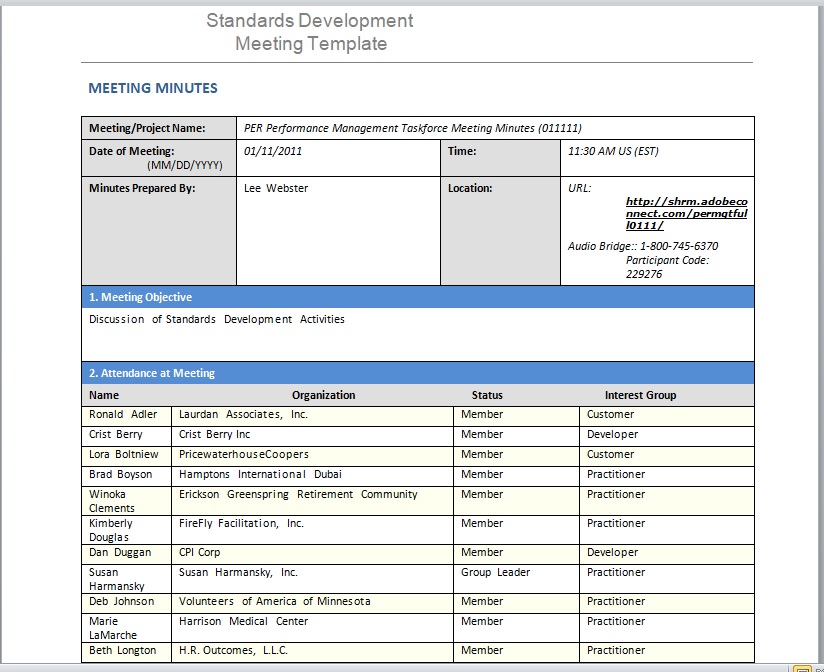
Header block, numbered agenda items with a separate decision line, and an action table with owner and due date columns — the layout shown above.

Simple Meeting Minutes Template
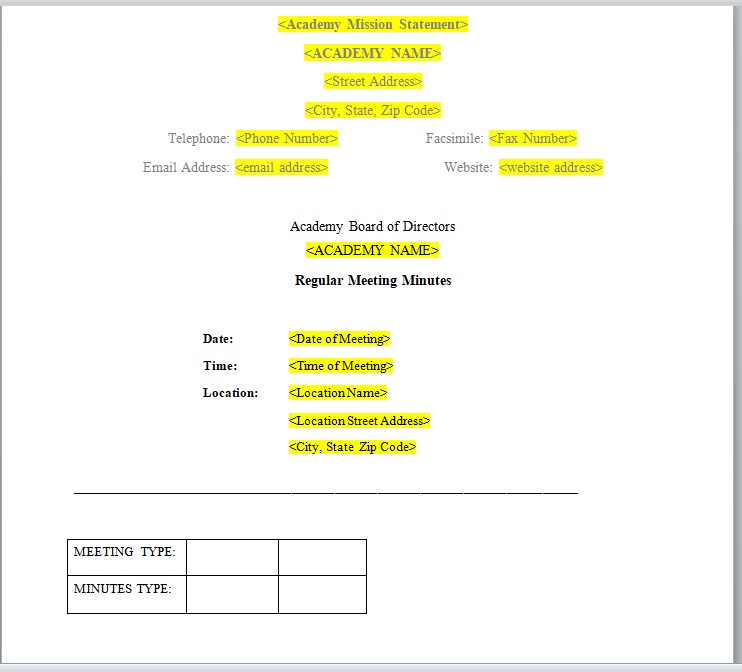
A short one-page format for team and staff meetings — attendees, discussion points, decisions, and next meeting date, without formal motion wording.

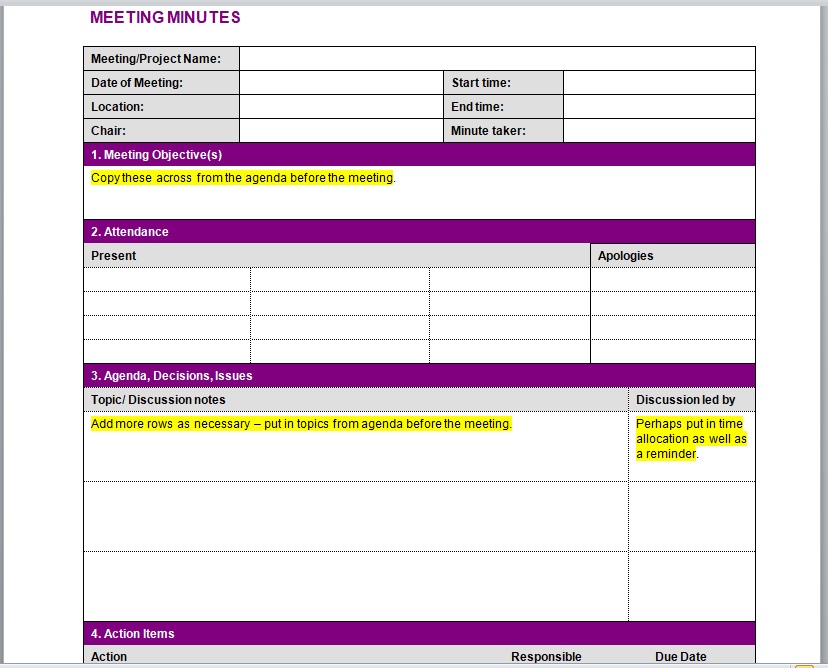
Here is the download button for this Meeting Minutes Template 03.
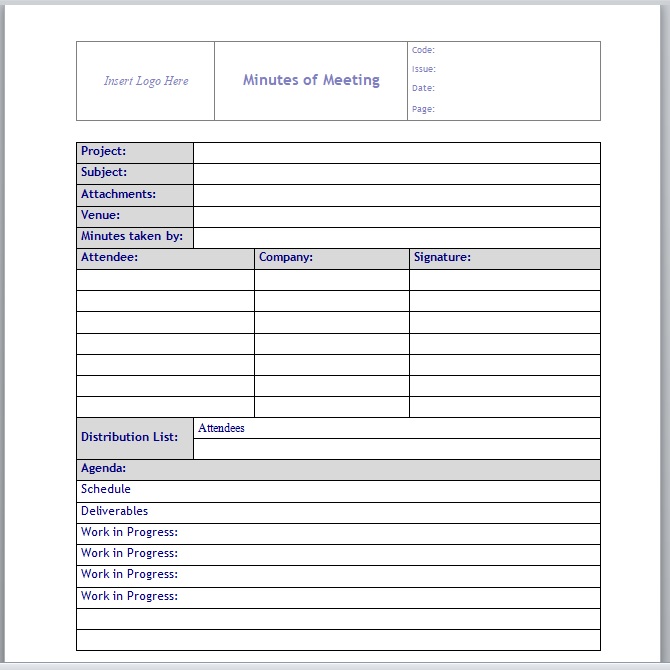
Here is the download button for this Meeting Minutes Template 04.
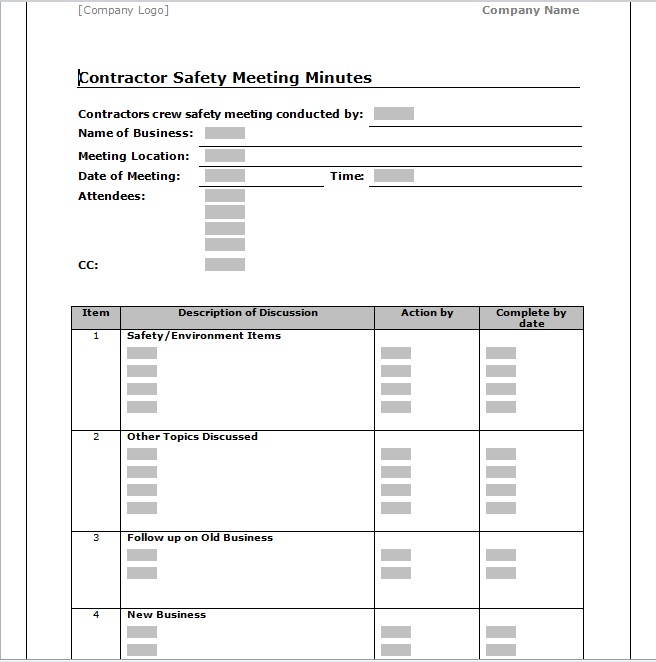
Here is the download button for this Meeting Minutes Template 05.
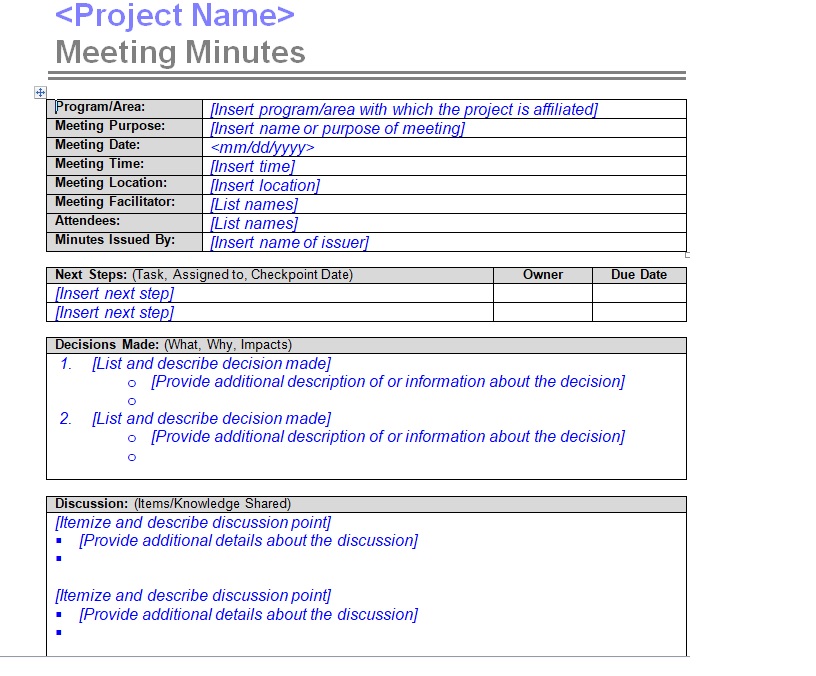
Here is the download button for this Meeting Minutes Template 06.
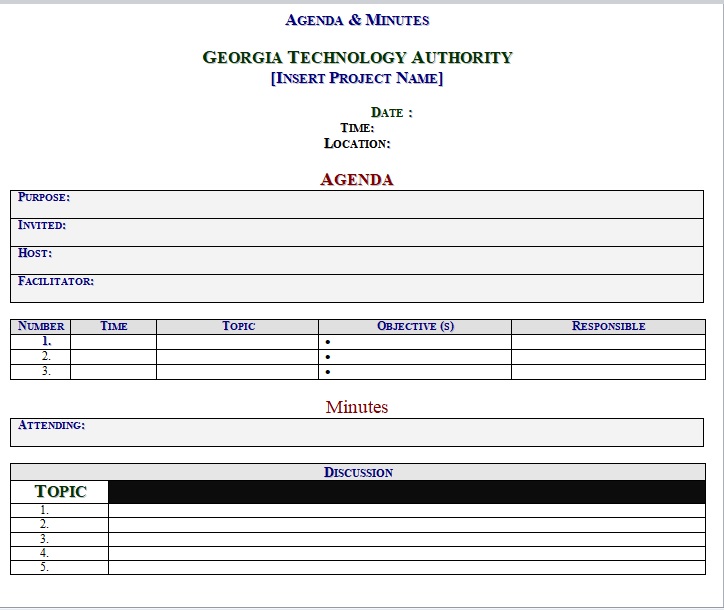
Here is the download button for this Meeting Minutes Template 07.
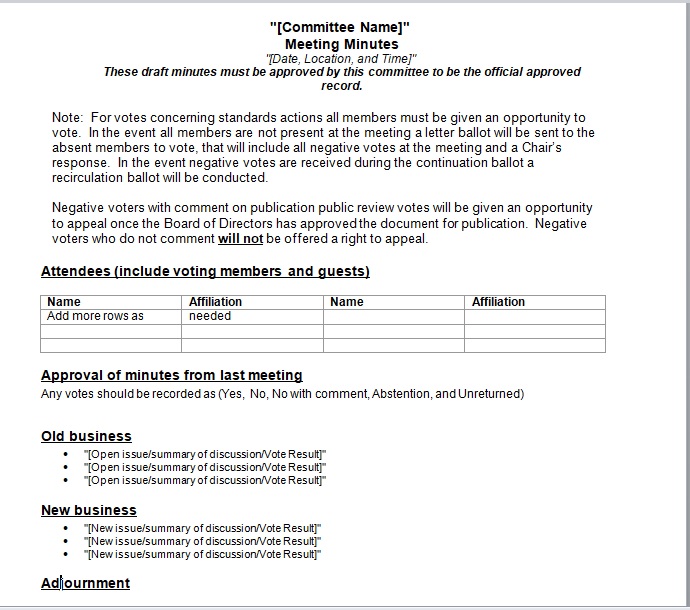
Here is the download button for this Meeting Minutes Template 08.
Formal and Informal Minutes
How much structure you need depends on what the meeting is.
Informal minutes — team meetings, project catch-ups, departmental reviews. Attendees, decisions, actions, next meeting. Nobody needs motions recorded, and over-formalizing a weekly team meeting is how minute-taking becomes a chore that stops happening.
Formal minutes — boards, committees, associations, and anything governed by rules or statute. These typically record:
- Quorum — confirmation that enough members were present for decisions to be valid.
- Motions in full, with the proposer and seconder named: “Moved by M. Chen, seconded by S. Malik, that the budget be approved as presented. Carried.”
- Votes — for, against, and abstentions, by number or by name depending on the rules.
- Declarations of interest, and whether a member withdrew from a discussion or vote.
- Formal approval of the minutes at the following meeting, signed by the chair.
If your organization has a constitution, by-laws, or statutory obligations, check what they require before choosing a format — some specify exactly what minutes must contain and how long they must be retained.
What to Leave Out
Minutes are frequently disclosable — in disputes, audits, grievance procedures, and litigation. That’s a reason to be careful rather than a reason to be vague:
- Don’t transcribe the discussion. Summarize the point, record the outcome.
- Don’t attribute opinions unnecessarily. “Concerns were raised about the timeline” is usually sufficient; naming who objected to what, in what tone, rarely helps anyone later.
- Leave out side remarks, jokes, and asides. They read very differently in print, and months afterwards.
- Never editorialize. No adjectives about how a discussion went or how someone behaved.
- Handle confidential items separately — personnel or commercially sensitive matters are often minuted in a restricted annex rather than the main circulated document.
Write Them While You Still Remember
Minutes written the same day take a fraction of the time and are considerably more accurate than minutes written a week later from scribbled notes. Three habits make it easy: take the agenda into the meeting as your working document, write decisions in full at the moment they’re reached rather than trying to reconstruct them afterwards, and confirm actions aloud before the meeting ends — “so that’s you, by the 16th” — which both improves the record and catches the actions people didn’t realize they’d accepted.
Circulate within a day or two while the meeting is still fresh, so corrections arrive while people remember. And carry the action items forward as “matters arising” at the top of the next agenda — an action list nobody revisits is the reason meetings repeat themselves.
Frequently Asked Questions
What are meeting minutes?
The official written record of a meeting — attendees, the decisions reached on each agenda item, and the actions agreed with owners and deadlines. They’re written after the meeting, circulated to those who attended, and approved at the next one.
What is the difference between an agenda and minutes?
The agenda is written before the meeting and lists what will be discussed. The minutes are written after and record what was decided. In practice the agenda usually becomes the structure of the minutes.
What should meeting minutes include?
Meeting name, date, time and location; attendees and apologies; chair and minute-taker; approval of the previous minutes; each agenda item with its decision; an action list with owners and due dates; any other business; the next meeting date; and the time the meeting closed.
Should minutes record everything that was said?
No. Minutes record decisions and actions, not conversation. A line of context is fine where a future reader would otherwise wonder why something was decided, but a transcript obscures the record rather than improving it — and can create difficulties if the minutes are ever disclosed.
Who writes the meeting minutes?
Usually a designated minute-taker or secretary rather than the chair, who needs to run the meeting. In smaller teams the role often rotates. Whoever takes them should be named in the minutes.
How soon should minutes be circulated?
Within a day or two. Accuracy falls quickly with time, and early circulation means corrections arrive while attendees still remember what happened.
Are meeting minutes a legal document?
For boards, committees, and organizations governed by constitutions or statute, minutes are often a formal record with retention requirements, and they can be produced as evidence in disputes and audits. Even informal team minutes may be disclosable — which is why accurate and neutral beats colourful.

Pete Smith is a Business Management graduate and a passionate advocate for practical, accessible resources that empower professionals and entrepreneurs to succeed. With a strong foundation in organizational strategy and operational efficiency, Pete combines academic knowledge with real-world insights to simplify complex business processes. He is the creator behind a growing online platform dedicated to offering free, high-quality documents, templates, and actionable tips designed to save time and improve productivity.