An invoice is the document that requests payment: it records what was delivered, what it costs, and when the money is due. Every business needs them, and the templates below are free MS Word files — download, fill in, send. No account, no signup, no trial that expires. Beneath the downloads you’ll find a complete sample invoice, the fields every invoice must carry, and a plain explanation of payment terms like Net 30 (which matters more for getting paid on time than the design does).
What Every Invoice Must Include
- The word “Invoice” and a unique invoice number. Number them sequentially with no gaps — INV-2026-001, INV-2026-002 — because tax authorities and accountants expect a traceable series, and gaps invite questions.
- Issue date and due date. Write the due date as an actual date, not only as terms. “Due 28 September 2026” gets paid sooner than “Net 30,” because nobody has to calculate anything.
- Your business details — name, address, contact, and your tax or business registration number where your jurisdiction requires it on invoices.
- The client’s details — company name, address, and where possible a named contact or their purchase order number. Invoices sent to “Accounts” with no reference are the ones that sit unpaid.
- Itemized lines — description, quantity (or hours), unit price (or rate), and line total. Specific descriptions prevent the “what was this for?” email that delays payment by a week.
- Subtotal, tax, and total due. Show the tax rate and amount on their own line; clients’ accounting systems need it separated, and so does yours.
- Payment instructions — bank account details, accepted methods, and any reference the client should quote. An invoice that doesn’t say how to pay it is a surprisingly common reason for late payment.
- Payment terms and any late fee — stated plainly at the bottom (see the section below).
Sample Invoice
Here’s a completed invoice using the standard structure — the same order that began as a quotation on our sales quotation templates page, now billed after delivery:
|
BrightTech Office Supplies 42 Commerce Road, Springfield | accounts@brighttech.example | (555) 014-2200 Tax Reg. No: 12-3456789 INVOICE No: INV-2026-0231 Bill to: Meridian Consulting Ltd., 118 Harbor Street, Springfield |
|||
| Description | Qty | Unit Price | Total |
|---|---|---|---|
| Ergonomic office chair — Model EC-450, black mesh | 12 | $185.00 | $2,220.00 |
| Height-adjustable desk — 140 × 70 cm, oak finish | 12 | $310.00 | $3,720.00 |
| Delivery and on-site assembly | 1 | $250.00 | $250.00 |
| Subtotal | $6,190.00 | ||
| Sales Tax (8%) | $495.20 | ||
| Total Due | $6,685.20 | ||
|
Payment details: Bank transfer to Springfield Bank, Acct 0012 3456 7890, Sort/Routing 04-22-19. Please quote invoice number INV-2026-0231 as the reference. Terms: Payment due within 30 days of the issue date. A late fee of 1.5% per month applies to overdue balances. |
|||
Payment Terms, Explained
Payment terms are the deadline you set — and how you word them measurably affects when you get paid:
- Due on receipt — payment expected immediately. Best for small jobs, new clients, and one-off work.
- Net 7 / Net 15 / Net 30 — payment due 7, 15, or 30 days from the invoice date. Net 30 is the corporate default; smaller businesses and freelancers do better on Net 7 or Net 15, and there’s usually no reason to offer longer than the client actually needs.
- Always add the calendar date. “Net 30 (due 28 September 2026)” removes the arithmetic — and the excuse.
- Late fees — a stated fee (commonly 1–2% per month on the overdue balance) gives your follow-up emails something to point at. Check what your jurisdiction permits, and make sure the client agreed to the terms before the work started, not for the first time on the invoice.
- Deposits and milestones — for larger projects, invoice a deposit up front (25–50%) and the balance on delivery, or bill by milestone. This is standard practice for freelancers and contractors, and it caps what you can lose on any single client.
- Early-payment discount — “2/10 Net 30” means 2% off if paid within 10 days, otherwise the full amount at 30. Worth offering when cash flow matters more than margin.
Free Invoice Templates in MS Word
Every template below is a plain, editable Word file — no signup, no account, no watermark. Add your logo and details, save a master copy, and update the invoice number for each new client.

The classic structure from the sample above — business details, itemized table, tax line, and payment terms. Prints cleanly in black and white.


Built for billing time rather than goods: columns for service description, hours, hourly rate, and line total — suited to consultants, agencies, and trades.

You can acquire this Free Invoice Template just by clicking the download button below.

You can acquire this Free Invoice Template just by clicking the download button below.

You can acquire this Free Invoice Template just by clicking the download button below.

You can acquire this Free Invoice Template just by clicking the download button below.

You can acquire this Free Invoice Template just by clicking the download button below.
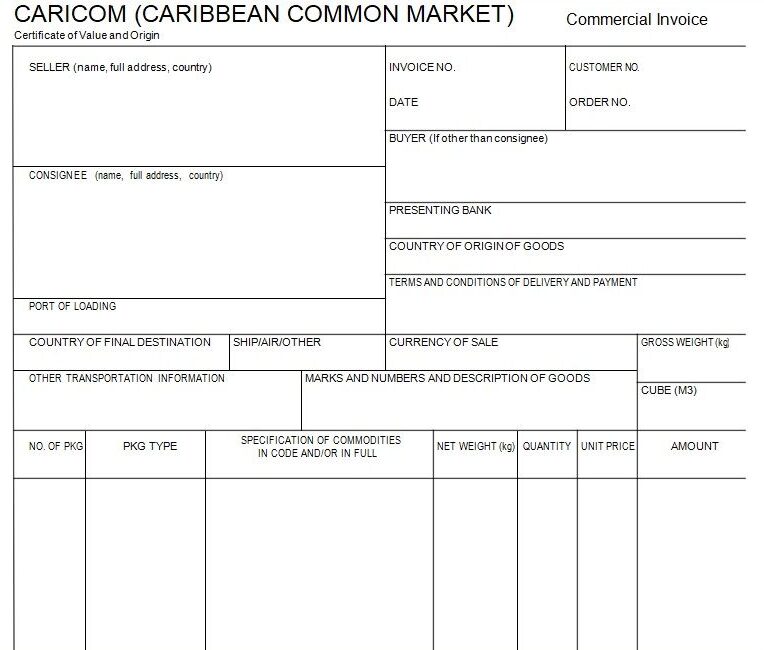
You can acquire this Free Invoice Template just by clicking the download button below.

You can acquire this Free Invoice Template just by clicking the download button below.
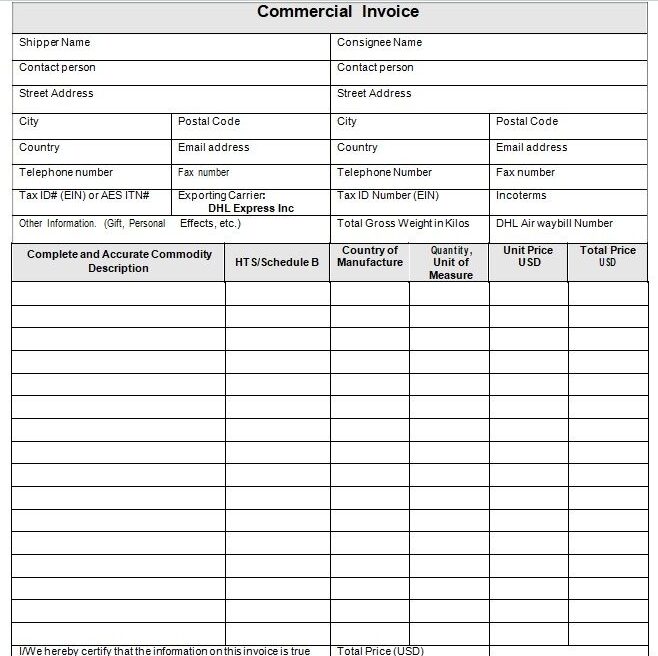
You can acquire this Free Invoice Template just by clicking the download button below.
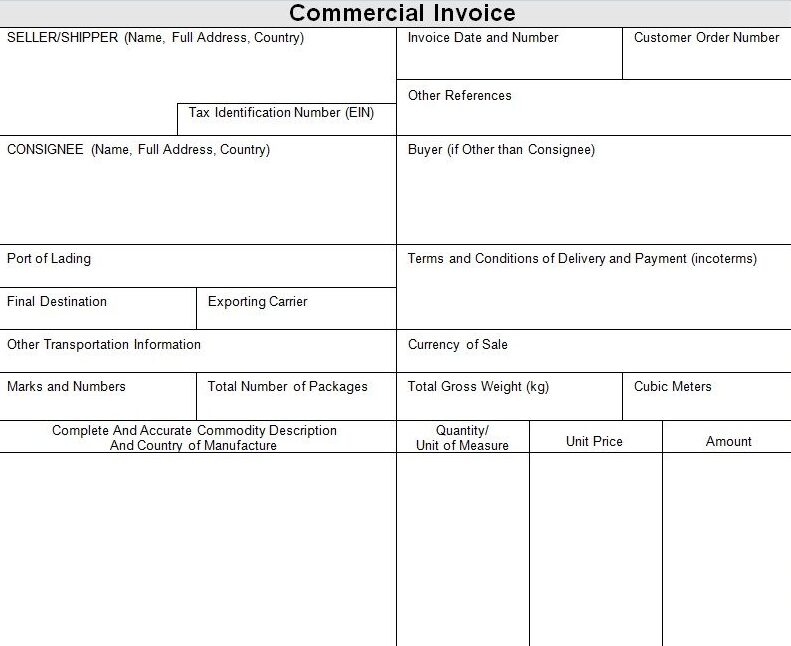
You can acquire this Free Invoice Template just by clicking the download button below.

You can acquire this Free Invoice Template just by clicking the download button below.

You can acquire this Free Invoice Template just by clicking the download button below.

You can acquire this Free Invoice Template just by clicking the download button below.
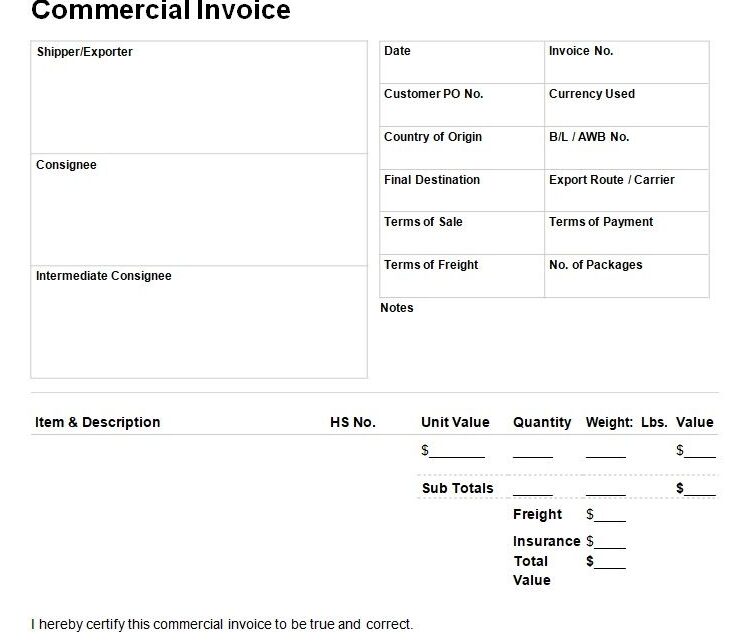
You can acquire this Free Invoice Template just by clicking the download button below.
Invoice vs. Receipt vs. Proforma Invoice
Three documents that circle the same transaction at different moments:
- An invoice is a request for payment, issued after goods or services are delivered. It creates the receivable in your books and the payable in the client’s.
- A receipt is proof that payment was made, issued after the money arrives. Clients need it for their expense records; you keep the copy as evidence of settlement.
- A proforma invoice is issued before the sale — a firm statement of what the invoice will say, used for advance payments, customs pre-clearance, and internal approvals. It isn’t a demand for payment and shouldn’t be entered as a sale.
The wider document trail runs: quotation – purchase order – delivery – invoice – receipt. If you have to reverse or reduce an invoice after issuing it, don’t edit it — issue a credit memo against it, so the numbered series stays intact. For exports, the commercial invoice travels alongside the packing list and the certificate of origin, and all three must agree on quantities, values, and descriptions.
Frequently Asked Questions
What should an invoice include?
The word “Invoice” with a unique number, issue and due dates, your business and tax details, the client’s details, itemized lines with quantities and prices, subtotal, tax shown separately, total due, payment instructions, and your payment terms. The sample above shows all of them in place.
What does Net 30 mean?
Payment is due 30 days from the invoice date. Net 15 and Net 7 work the same way with shorter windows. Write the actual due date alongside the term — clients pay dates more reliably than they pay arithmetic.
What is the difference between an invoice and a receipt?
An invoice requests payment before it’s made; a receipt confirms payment after it’s made. Every paid invoice should have a matching receipt somewhere — the invoice is your claim, the receipt is the proof it was settled.
How should I number my invoices?
Sequentially, with no gaps and no reuse — INV-2026-001 upward, or a per-client series if you prefer. Auditors and tax authorities expect a traceable sequence; if an invoice is cancelled, issue a credit memo rather than deleting the number.
What is a proforma invoice?
A pre-sale document stating what the final invoice will contain — used for advance payment requests, customs paperwork, and getting a buyer’s internal approval. It doesn’t record a sale and shouldn’t be entered into your accounts as one.
Do I need invoicing software, or is a Word template enough?
For a handful of invoices a month, a Word template is genuinely enough: fill it in, save as PDF, email it, and keep a numbered folder. Software earns its cost when you’re sending dozens monthly, tracking who has paid, chasing overdue balances automatically, or syncing to accounting — until then, the template does the same job for free.

Pete Smith is a Business Management graduate and a passionate advocate for practical, accessible resources that empower professionals and entrepreneurs to succeed. With a strong foundation in organizational strategy and operational efficiency, Pete combines academic knowledge with real-world insights to simplify complex business processes. He is the creator behind a growing online platform dedicated to offering free, high-quality documents, templates, and actionable tips designed to save time and improve productivity.