An event ticket does two jobs at once: it tells the holder where to be and when, and it gives whoever is on the door something to check and keep. The free templates below cover concerts, film nights, sports fixtures, seasonal parties and more, all editable in MS Word. Beneath them you’ll find the fields a ticket needs, how to number a print run, and what to do about the fact that anything printed at home can be photocopied.
What Goes on an Event Ticket
- Event name — the largest text on the ticket.
- Date and day — include the day of the week. People remember “Saturday” more reliably than “the 14th.”
- Doors open and start time. This is the field most often missing and most often needed. “7:30pm” tells someone nothing about whether to arrive at seven or half past, and the answer determines whether your event starts on time.
- Venue name and address, with a line for parking or transport if it’s not obvious.
- Seat, row and section — or “General Admission” in plain letters, so nobody arrives expecting an allocated seat.
- Ticket number, sequential.
- Price and ticket type — adult, child, concession, VIP. Where different types exist, make them visually distinct as well as labelled; door staff reading fifty tickets a minute go by colour, not text.
- The terms that matter at the door — admits one, no refunds or exchanges, age restriction, ID required, latecomers admitted at the interval. Small text, but it settles arguments before they start.
- Organizer contact — a phone number or email for queries.
- The stub — a tear-off section repeating the event, date and ticket number.
Event Ticket Example
|
HARBOUR ARTS CENTRE PRESENTS MIDNIGHT REEL An evening of classic film noir Saturday 8 November 2026 Doors 7:00pm · Screening 7:45pm Harbour Arts Centre, 12 Dock Road Car park adjacent · Step-free access
Admits one. No refunds or exchanges. Latecomers admitted at a suitable break. Enquiries 01000 000204. |
RETAIN AT DOOR MIDNIGHT REEL Sat 8 Nov 2026 TICKET No. 0247 Stalls F14 |
Two details doing real work. The doors and screening times are separate, so nobody arrives forty-five minutes late believing they were on time. And the stub repeats the seat and the number, which means the retained stubs alone are enough to reconcile who came, where they sat, and how much was taken.
Free Event Ticket Templates in MS Word
Each template below is editable in Word — replace the event details, adjust the colours, and print. All of them work with or without allocated seating.

Here’s the download button for this wonderful Event Ticket Template.

Halloween Event Ticket Template
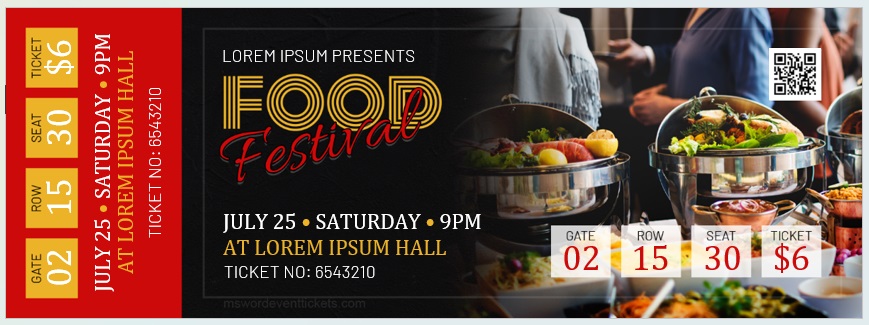
A dark seasonal design with space for event name, date, and admission details — suited to Halloween parties, haunted houses, and themed club nights.
Concert Ticket Template
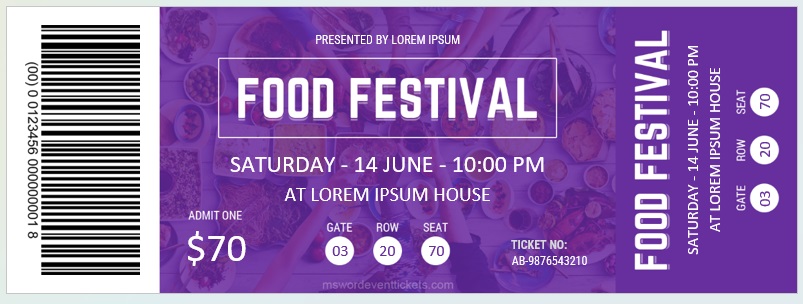
A classic stub-and-body layout with section, row, and seat fields — for concerts, recitals, and theatre productions with allocated seating.

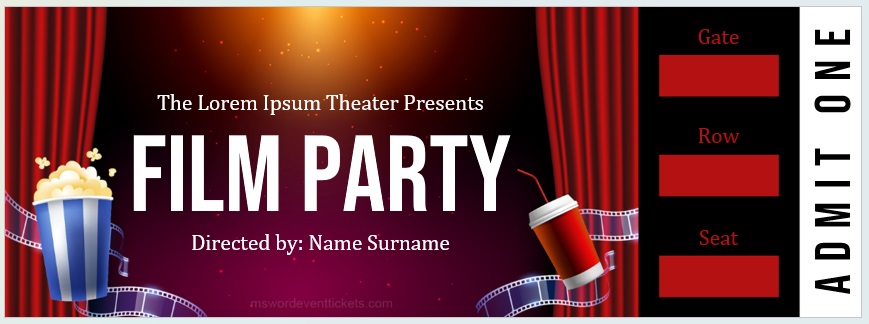
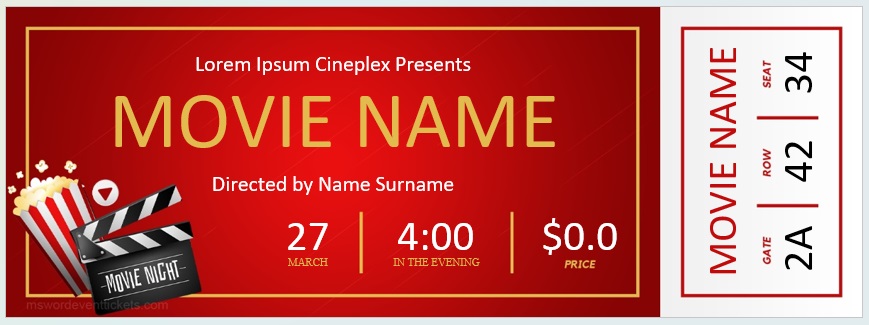
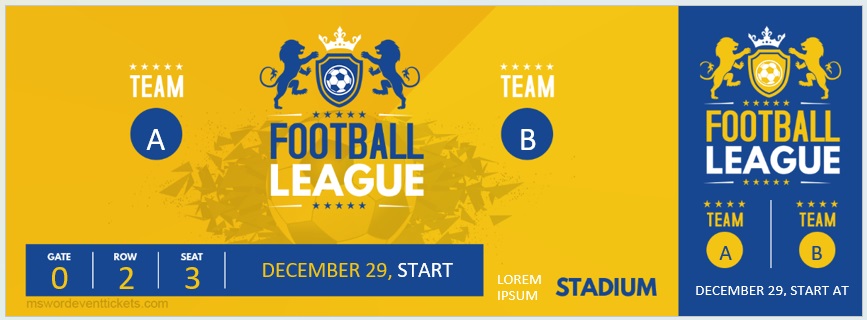
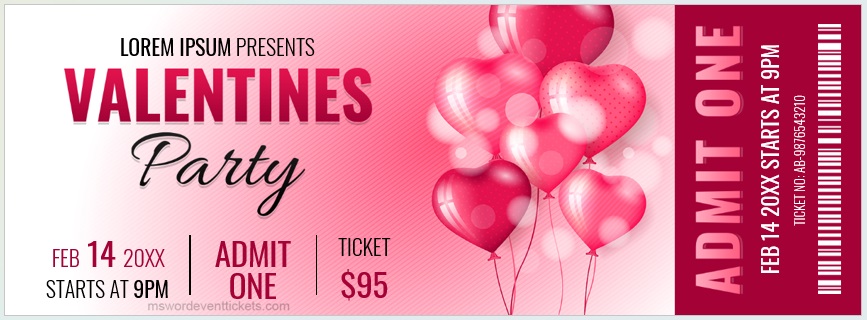
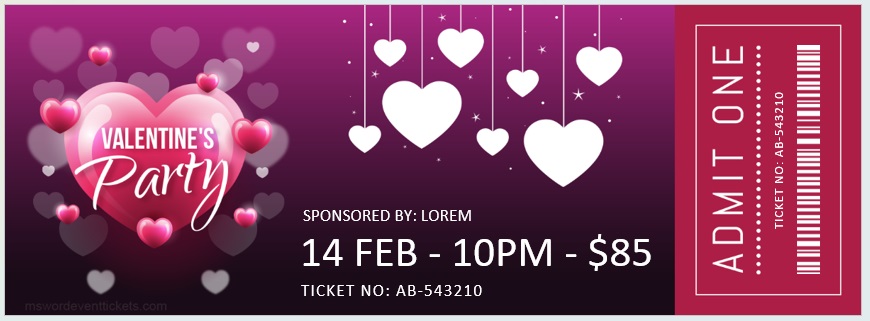
Download link for this Film Party Event Ticket Template 01 in MS Word format is below.






Numbering a Print Run
Every ticket needs its own number, on both the body and the stub, and typing them by hand for a run of two hundred isn’t the answer. Word’s mail merge handles it: build a numbered list in Excel, set the merge type to Directory so several tickets print per sheet, insert the number field on both halves, and add a Next Record rule before each subsequent ticket on the page.
The full step-by-step is on our raffle ticket templates page — the technique is identical, and the two mistakes to avoid are the same: choosing “Letters” instead of “Directory” (which prints one ticket per sheet), and forgetting Next Record (which prints the same number on every ticket on the page).
Whatever else you do, keep a record of which numbers went where — sold to whom, issued to which seller, or reserved. That record is what makes the rest of this page possible.
Stopping Photocopies
If you’re selling tickets you’ve printed at home, they can be photocopied — by an enterprising guest, or by someone who bought one and passed it to three friends. For a free school concert nobody cares. For a paid event where you’ve counted on the door takings, it’s worth ten minutes of thought.
Four measures, in ascending order of effort:
- Sequential numbers with a sold list. The simplest and most effective thing you can do. If ticket 0247 arrives twice, you know immediately, and you know who bought it.
- Print on something awkward to replicate — coloured or textured card, or a stock with a subtle pattern. A photocopy onto white office paper is then obvious at a glance in dim light.
- Add a physical mark after printing — a rubber stamp, an embossed seal, a signature in metallic pen, or a strip of foil tape. Cheap, fast across a few hundred tickets, and it doesn’t survive a scanner.
- Check numbers at the door against your list, crossing each off as it arrives. Slower, but it catches everything.
And the honest limit: above a certain value or volume, a proper ticketing platform with unique QR codes is the right tool, and printed tickets aren’t. A home-printed ticket suits a school play, a charity quiz, or a club night — not a thousand-seat event with a significant gate.
On the Door
- Tear the stub, don’t just look at the ticket. An unmarked ticket can walk back out and be used again.
- Keep the stubs in order as they come in. At the end of the night they’re your attendance count and your reconciliation against cash taken.
- Brief whoever is on the door on the ticket types before doors open — what a concession ticket looks like, whether children need one, what to do with a latecomer.
- Have a plan for people who forgot their ticket, and decide it in advance rather than at the door. A sold list makes this easy: find the name, note it, let them in.
- Count the cash against the stubs, not against your memory of how busy it looked.
Planning the event itself as well as the tickets? Our event planner templates cover the running order, and sponsorship proposals help if you’re looking for someone to underwrite it.
Printing
- Use card, not paper — 200 to 250 gsm. Tickets live in pockets and bags for weeks before the event, and paper doesn’t survive it.
- Four to six per sheet depending on size. A standard ticket is roughly 2 × 6 inches, which gives four to an A4 or letter page with room to trim.
- Score the stub line — run an empty ballpoint along a ruler where the tear goes, and the card separates cleanly. Pre-perforated ticket stock exists if you’re printing in quantity.
- Trim with a guillotine, not scissors. Hand-cut tickets look hand-cut.
- Print and check one sheet first — tear a stub, put a ticket in your pocket for an hour, and see how it holds up before you commit to the run.
Frequently Asked Questions
What information should be on an event ticket?
Event name, day and date, doors-open and start times, venue and address, seat or general admission, ticket number, price and type, the terms that apply at the door, and a contact for queries. The stub should repeat the event, date, and number.
Why do event tickets have a tear-off stub?
Door staff tear it and keep it, while the guest keeps the main part for re-entry and as a souvenir. The retained stubs give you an attendance count and let you reconcile admissions against cash taken.
How do I number event tickets in Word?
Use mail merge with a numbered list from Excel, set the merge type to Directory, insert the number field on both the ticket and the stub, and add a Next Record rule before each subsequent ticket on the sheet. Our raffle ticket page has the full walkthrough.
How do I stop people copying my tickets?
Number them sequentially and keep a record of who bought which, print on coloured or textured card that photocopies badly, add a stamp or foil mark after printing, and check numbers at the door. For high-value events, use a ticketing platform with unique codes instead.
What size should an event ticket be?
Around 2 × 6 inches is standard, which fits four to a sheet with room to trim. Anything smaller leaves too little space for the seat details and the terms.
What paper should I print tickets on?
Card of 200 gsm or heavier. Tickets are carried around for weeks before an event, and ordinary paper arrives at the door creased and torn.
Should I put a QR code on a printed ticket?
It’s useful if it links to something the holder will want — directions, the programme, or a page with any last-minute changes. As a security measure it only works if you’re scanning and validating codes at the door, which needs a system behind it; printed alone, a QR code can be photocopied along with everything else.

Pete Smith is a Business Management graduate and a passionate advocate for practical, accessible resources that empower professionals and entrepreneurs to succeed. With a strong foundation in organizational strategy and operational efficiency, Pete combines academic knowledge with real-world insights to simplify complex business processes. He is the creator behind a growing online platform dedicated to offering free, high-quality documents, templates, and actionable tips designed to save time and improve productivity.