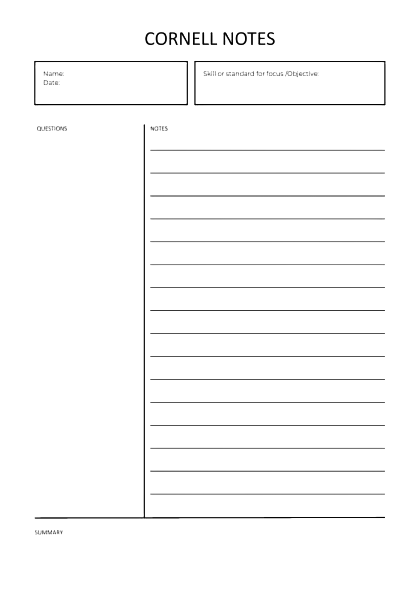
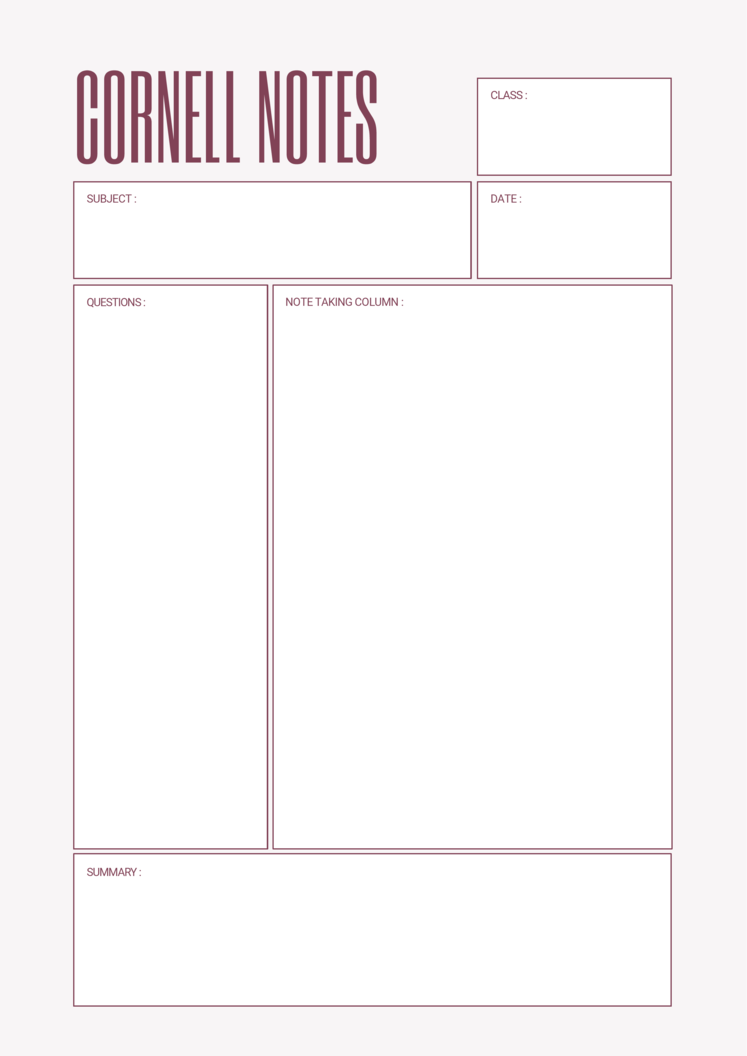
Cornell notes divide a page into three parts: a wide column for notes, a narrow one for cues, and a strip at the bottom for a summary. The layout was developed in the 1950s by Walter Pauk at Cornell University and is still taught in schools and universities today. The free templates below are editable in MS Word, and beneath them you’ll find the standard dimensions, how to build the layout yourself, and the part of the method most people skip — which is the part that actually makes it work.
The Three Sections
- The notes column — the large area on the right, roughly two-thirds of the page. This is where you write during the lecture, lesson or reading: main points, examples, diagrams, anything worth keeping.
- The cue column — the narrow strip on the left. This stays empty during the lecture. You fill it afterwards with questions, keywords and prompts that point at what’s written beside them.
- The summary — a band across the bottom, two or three lines, written last. A few sentences in your own words covering what the page was about.
That’s the layout. The layout on its own does nothing, which brings us to the method.
The Method: Five Steps, Not Three Boxes
Pauk’s system has five stages, and only the first happens during the lecture:
- Record. Take notes in the main column as you normally would. Don’t try to be tidy, and don’t try to write everything — main ideas, supporting detail, anything the speaker repeats or emphasises.
- Reduce. Within a day, go back and fill the cue column with questions and keywords drawn from the notes beside them. This is the step that does the work, and it’s the step nearly everyone skips.
- Recite. Cover the notes column with a sheet of paper so only the cues are visible, and answer each one out loud in your own words. Then uncover and check. This is not re-reading — it’s testing yourself, which is a substantially different activity.
- Reflect. Ask how this connects to what you already know, what it contradicts, what it explains. Write a line or two if something occurs to you.
- Review. Ten minutes a week across all your pages, using the cues. Short and frequent beats long and occasional by a wide margin.
This is worth being blunt about: a Cornell template used only for step one is a narrower notebook page. If you take notes in the big column, never fill in the cues, and never cover the notes to test yourself, you have gained nothing over ordinary lined paper.
The format exists to make steps two and three easy — the cue column is there so that covering the notes leaves you with a ready-made set of questions. Ten minutes after the lecture, and ten minutes a week, is the whole investment.
A Completed Cornell Page
| Topic: Causes of the 1929 Wall Street Crash | Course: History A2 | Date: 24 Sept 2026 | Page 1 of 2 | |
|
CUES — added after What was buying Why did margin What was happening Who was Roger Was the crash |
NOTES — during the lecture Margin buying — investors borrowed to buy shares, sometimes paying only 10% themselves. Broker held the shares as security. ? When prices fell, brokers issued margin calls. Investors had to sell to cover. More selling ? lower prices ? more calls. Self-reinforcing. Agriculture already weak through the 1920s — overproduction after WWI, falling prices, rural banks failing. Boom was not evenly spread. Babson — Sept 1929, publicly predicted a crash. Market dropped sharply that day (“Babson break”). Shows confidence was already fragile. Oct 24 (Black Thurs) ? Oct 29 (Black Tues). ~$14bn lost on Tuesday alone. Lecturer’s point: the crash exposed weaknesses rather than creating them. Banking structure, debt, unequal income all pre-existing. |
|
SUMMARY — written from memory The 1929 crash was amplified by margin buying, which forced selling as prices fell, but the underlying economy was already weak — particularly agriculture and the banking system. The crash revealed existing structural problems rather than causing the Depression by itself. |
|
Three things to notice. The cues are questions, not labels — “Why did margin buying make the fall worse?” is something you can be tested on; “margin buying” isn’t. The notes use arrows and abbreviations, because they were written at speaking speed and legibility to a stranger isn’t the goal. And the summary makes an argument rather than listing topics, which is what proves the material was understood rather than transcribed.
Free Cornell Notes Templates in MS Word
Each template below is editable in Word and prints on A4 or Letter. Print a stack and keep them in a folder — the method only becomes a habit when the paper is already to hand.
Simple Cornell Notes Template
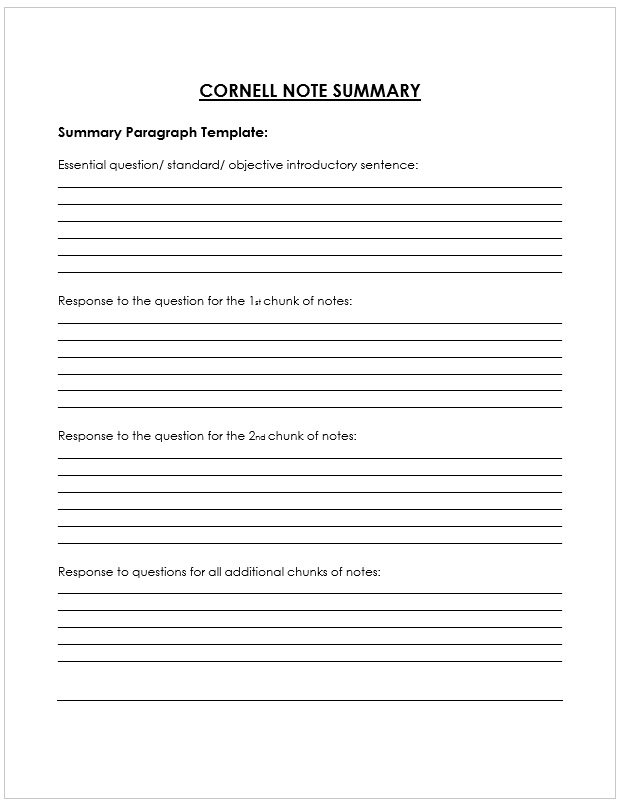

Cornell Notes-Two Column
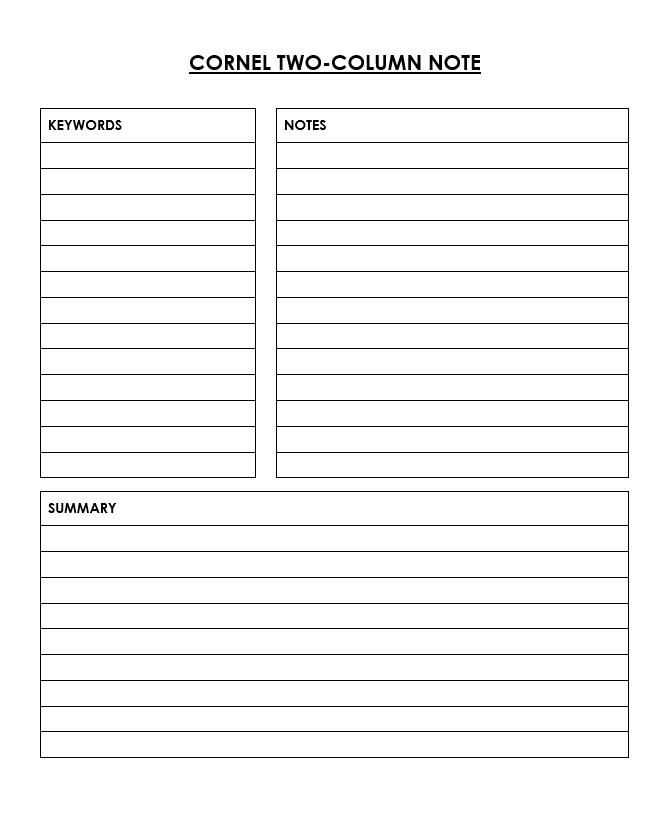
Free download Cornell notes MS Word
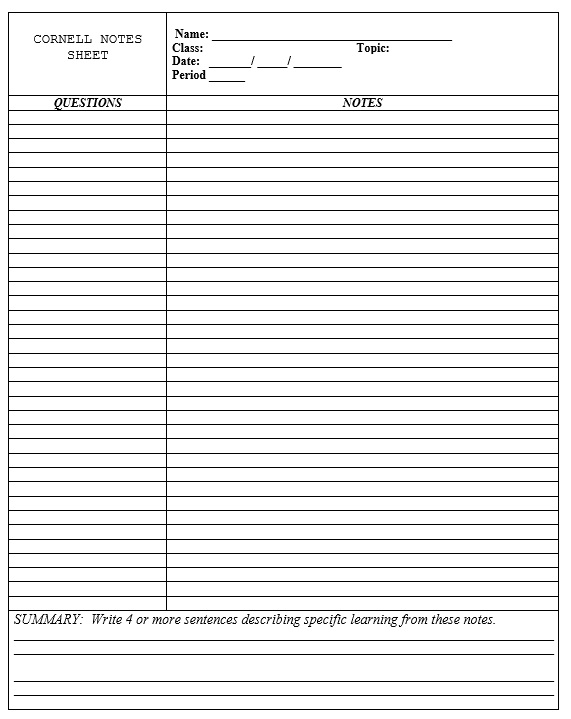
High School Cornell Notes Template

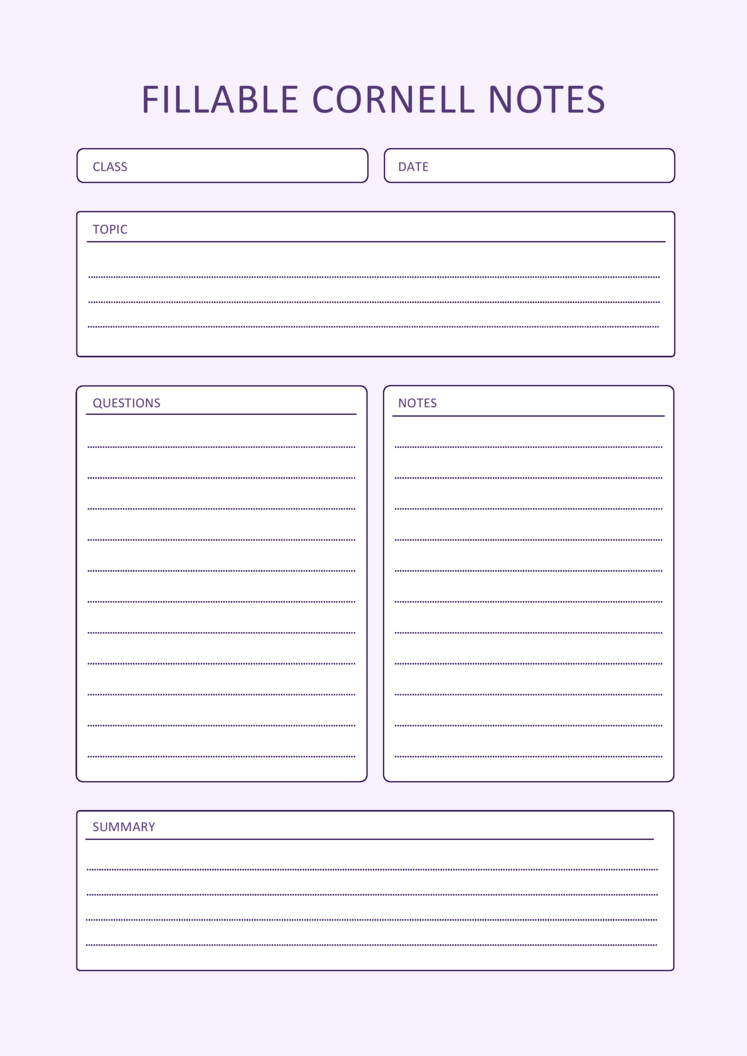

Types of Cornell Notes Templates Available in MS Word
Active note taking is more effective repository of information than busy or passive note taking. Placing the cues on the left side helps in consolidating the material and it is especially helpful during examination or class discussions. The conclusion section at the end of the paper in turn helps in establishing the most relevant features and becomes handy revision tool if required later on.
There are many variations of editable Cornell notes templates in Word that suit different needs:
-
Blank Cornell notes Word format – A simple page with standard divisions, perfect for quick note-taking.
-
Professional Cornell notes Word file – Designed for business or formal settings with a cleaner look.
-
Academic Cornell notes MS Word templates – Widely used by students for lectures, research, and revision.
-
Cornell notes worksheet Word version – Often used by teachers to guide students through lessons.
-
Free download Cornell notes MS Word sheets – Easily accessible online for anyone who wants to get started right away.
No matter which version you choose, these templates save time and ensure consistency in your note-taking process.


Standard Dimensions
The measurements from Pauk’s original system, for anyone building their own:
- Cue column: 2.5 inches (about 6 cm) wide, down the left side.
- Notes column: the remaining width — roughly 6 inches on US Letter, or about 14 cm on A4.
- Summary: a band about 2 inches (5 cm) tall across the bottom.
- Header: a line at the top for topic, date, course and page number. Not part of the original system, but worth adding — unlabelled note pages are impossible to file.
Don’t make the cue column much narrower than 2.5 inches. It’s tempting, because more space for notes feels useful during the lecture, but a cue column too cramped to write a question in is a cue column that stays empty — and that’s the step the whole method depends on.
Writing Good Cues
The cue column is where Cornell notes succeed or fail, and the difference is between labels and questions.
A label — “margin buying” — tells you what’s beside it. A question — “Why did margin buying make the fall worse?” — lets you test whether you can answer it. Covering the notes and reading a list of labels tells you nothing; covering them and facing questions is genuine retrieval practice, which is what moves material into long-term memory.
Practical points:
- Write the cues within a day, while the lecture is still recoverable. Leave it a week and you’ll be writing questions about notes you no longer fully understand.
- One cue per idea, lined up with the relevant part of the notes.
- Use the phrasing of likely exam questions if you’re revising for one — “Assess the significance of…” rather than “significance.”
- Add cues for things you didn’t understand, marked so you can ask about them. A question mark in the margin is more useful than a gap.
The Summary
Two or three sentences at the bottom, written from memory, before looking back at the notes. That order matters: writing the summary while reading the notes is copying, and it teaches you nothing.
Aim to make a point rather than list the contents. “This lecture covered margin buying, agriculture and the banking system” is a table of contents. “The crash exposed existing weaknesses rather than causing them” is a summary — and if you can’t produce something like it, that’s a useful signal about what to revisit.
If a page genuinely resists summarising, write what’s confusing you instead. “I don’t understand how margin calls forced the selling” is a more valuable line to find in three weeks than a paragraph you didn’t mean.
Building One in Word
Four steps, if you’d rather make your own than use a template:
- Insert ? Table, two columns by two rows.
- Drag the table’s bottom edge down to fill the page, then drag the middle horizontal line down so the bottom row is about 5 cm tall — that’s your summary band.
- Select the bottom row, right-click, and choose Merge Cells so it runs the full width.
- Drag the vertical divider so the left column is about 6 cm wide.
Then add a header line above the table for topic, date and page, and save it as a template (File ? Save As ? Word Template) so it’s available every time. To add faint ruled lines inside the notes column, apply a bottom border to a series of empty paragraphs, or simply write on the printed page unruled — many people prefer the freedom.
When Cornell Doesn’t Suit
Worth saying, because the method is often presented as universally applicable:
- Mathematics and problem-based subjects. Working needs width and space, and a narrow cue column fights it. Many students use full-width paper for the working and a Cornell page for the concepts.
- Lab and practical work, where the format is usually prescribed and the record needs to be chronological.
- Fast, unstructured discussion — seminars where the direction changes constantly. Capture it however you can and impose structure afterwards.
- Language vocabulary, which suits a two-column or flashcard format rather than a notes page.
- Heavily diagrammatic material, where a mind map or a blank page serves better.
Where it works best is exactly what it was designed for: lectures and reading with a clear argumentative structure, in subjects you’ll be examined on. For other formats, our notebook paper templates include dot grid and graph layouts, and the lined paper page covers other ruled formats. For academic writing, see the MLA format templates.
Frequently Asked Questions
What are Cornell notes?
A note-taking system developed by Walter Pauk at Cornell University in the 1950s. The page is divided into a wide notes column, a narrow cue column on the left, and a summary band at the bottom — with each section filled in at a different stage.
What goes in the cue column?
Questions and keywords, written after the lecture rather than during it. They should be phrased as questions you can test yourself on — “Why did margin buying worsen the fall?” rather than “margin buying.”
What are the five steps of the Cornell method?
Record during the lecture, Reduce to cues afterwards, Recite by covering the notes and answering the cues aloud, Reflect on how it connects to what you know, and Review for ten minutes a week.
What size should the Cornell columns be?
The cue column is 2.5 inches (about 6 cm) wide, the notes column takes the remaining width, and the summary band is about 2 inches (5 cm) tall at the foot. Don’t narrow the cue column — a cramped one goes unused.
How do I make a Cornell notes template in Word?
Insert a two-by-two table, stretch it to fill the page, merge the bottom row to create the summary band, and drag the vertical divider so the left column is about 6 cm. Add a header line and save it as a Word template.
Do Cornell notes actually work?
The layout alone does nothing — its value comes from the steps after the lecture. Filling in cues and then covering the notes to test yourself is retrieval practice, which is far more effective than re-reading. A Cornell page used only for note-taking is just a narrower page.
When should I write the summary?
After the lecture, from memory, before looking back at your notes. Writing it while reading the notes is copying. If you can’t summarise the page, that’s a useful signal about what needs revisiting.
Are Cornell notes good for maths?
Not especially. Working needs width, and the narrow cue column gets in the way. Many students use full-width paper for problems and keep Cornell pages for concepts, definitions and worked method summaries.

Pete Smith is a Business Management graduate and a passionate advocate for practical, accessible resources that empower professionals and entrepreneurs to succeed. With a strong foundation in organizational strategy and operational efficiency, Pete combines academic knowledge with real-world insights to simplify complex business processes. He is the creator behind a growing online platform dedicated to offering free, high-quality documents, templates, and actionable tips designed to save time and improve productivity.