Need an award certificate ready in the next ten minutes? Below you’ll find free, fully editable award certificate templates in Microsoft Word format — just download, type in the recipient’s name and achievement, and print. No design skills or paid software needed.
Whether you’re recognizing an employee of the month, honoring a student’s achievement, or thanking a volunteer, there’s a layout here to match the occasion. Every template is print-ready on standard Letter or A4 paper and can be customized with your own logo, colors, and fonts in Word.
Scroll down to browse the designs, or read on for tips on choosing the right certificate and wording it well.
Download Free Award Certificate Templates
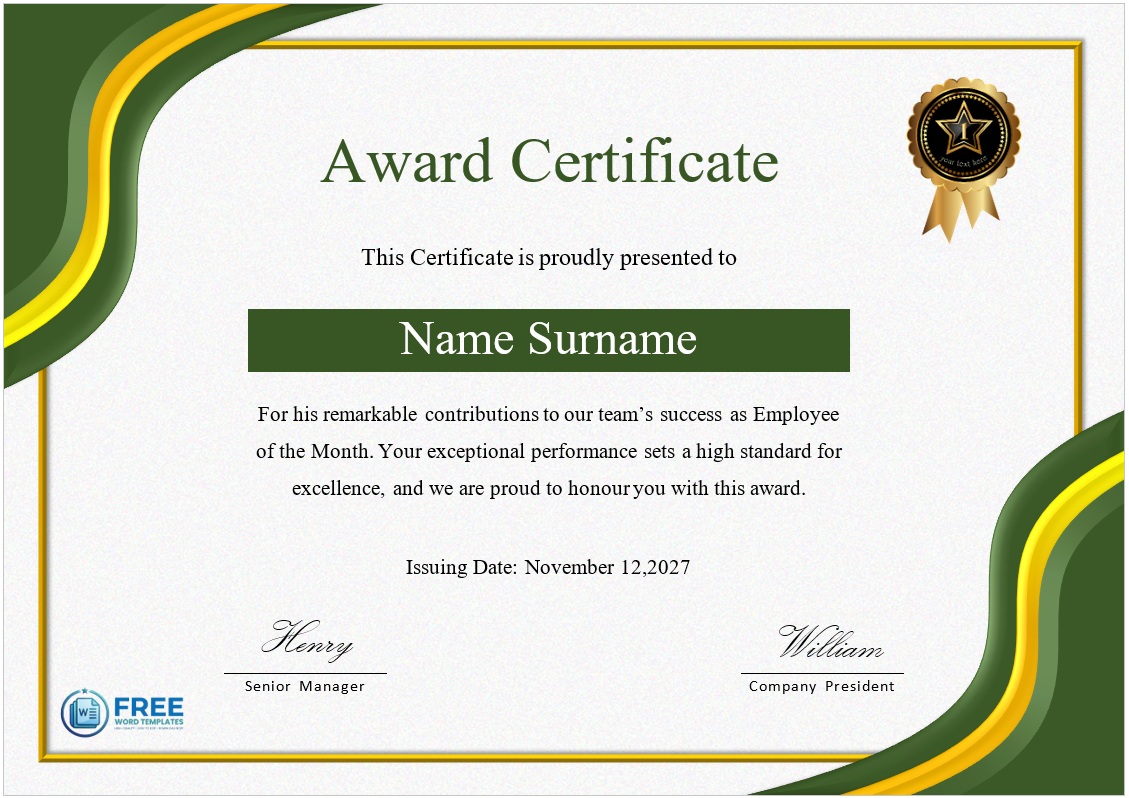
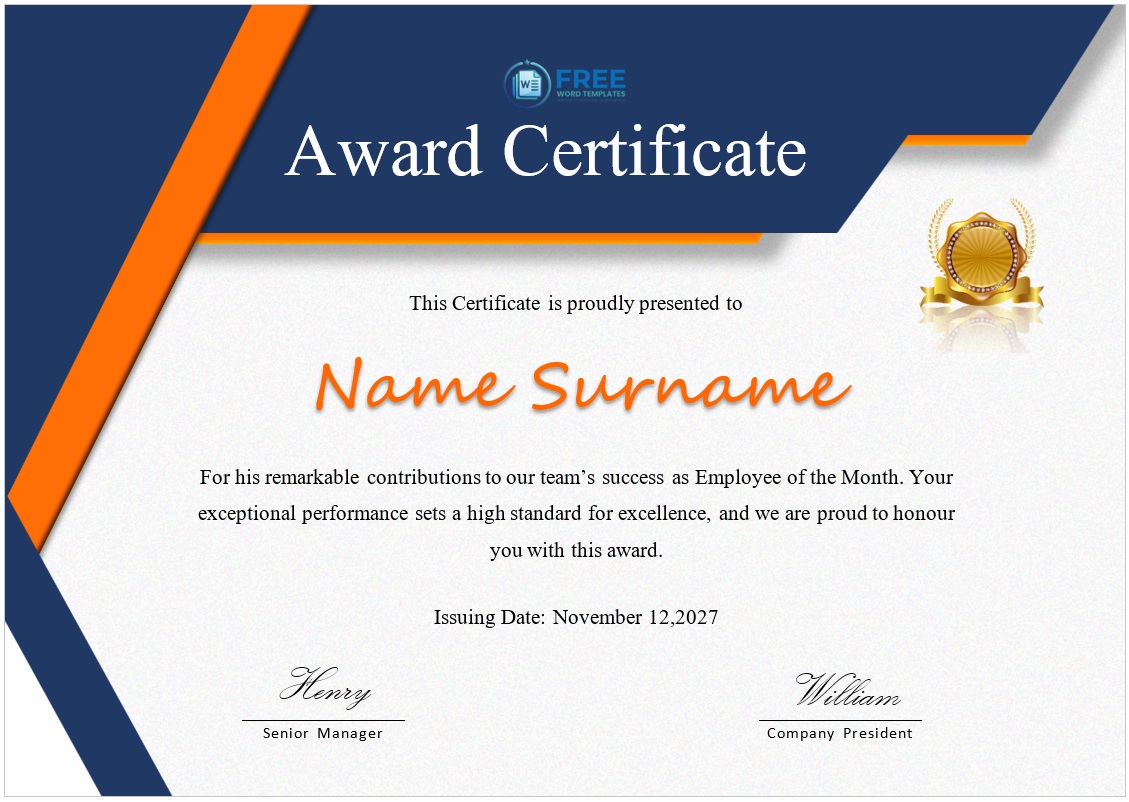
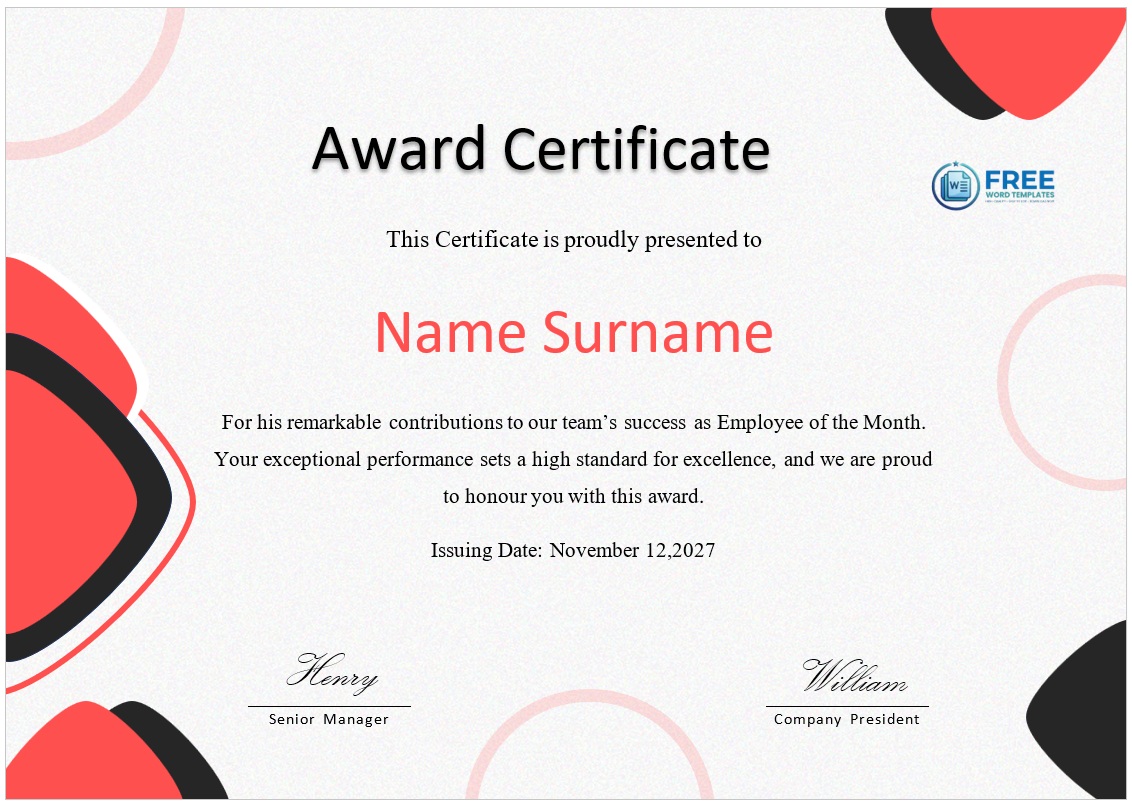
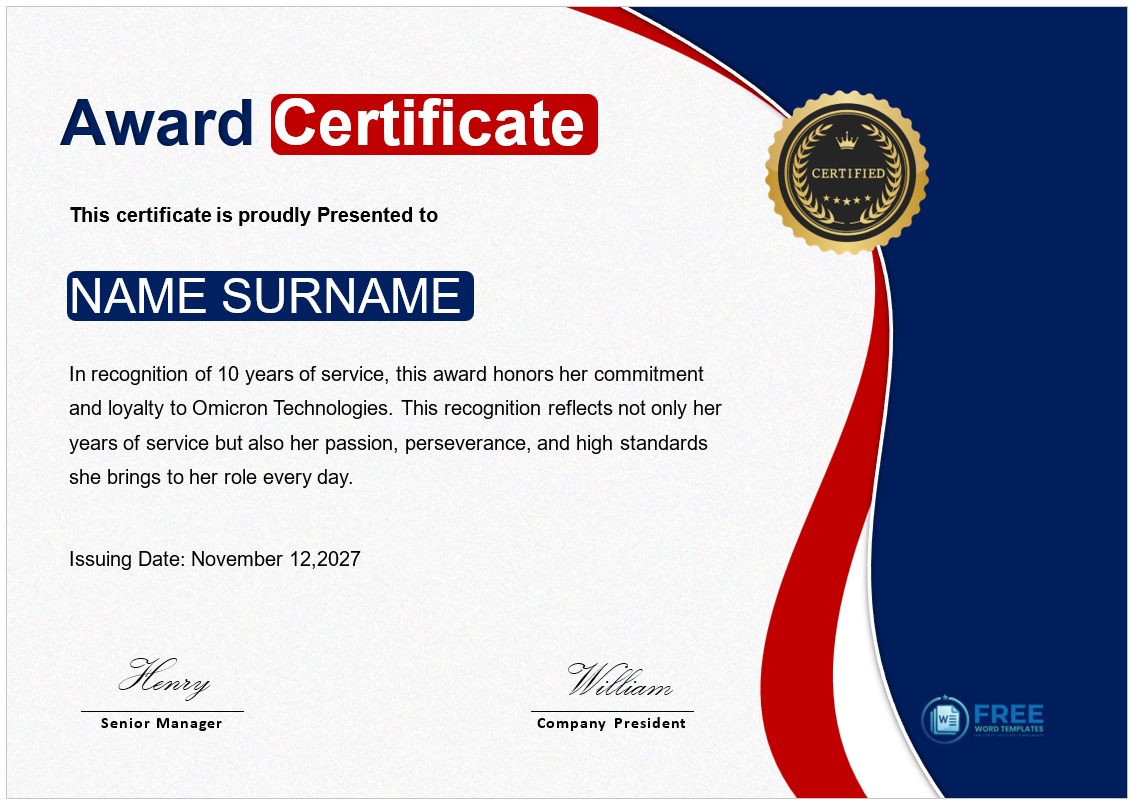
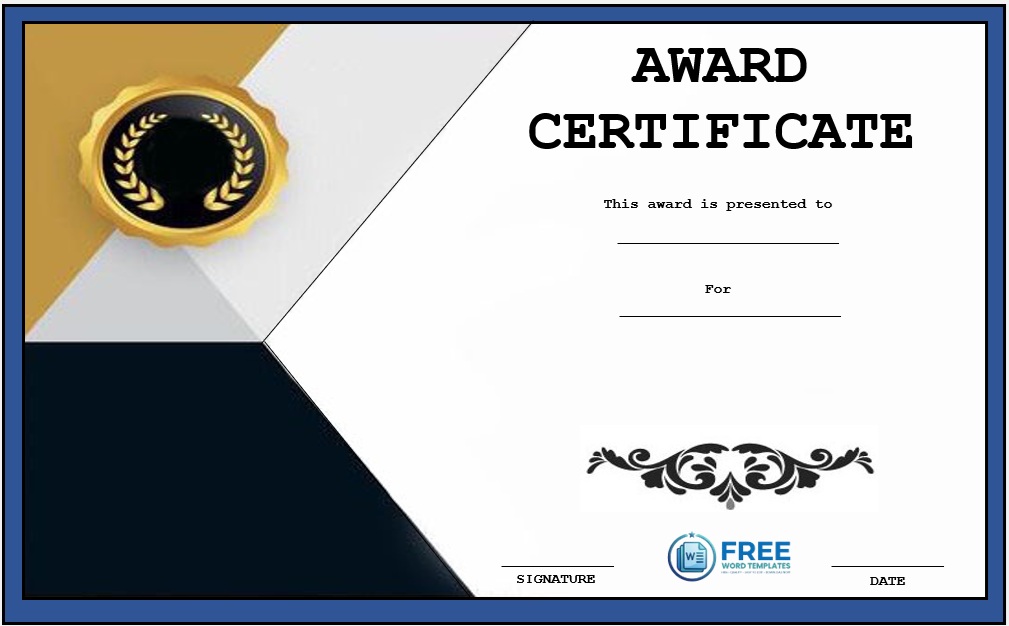
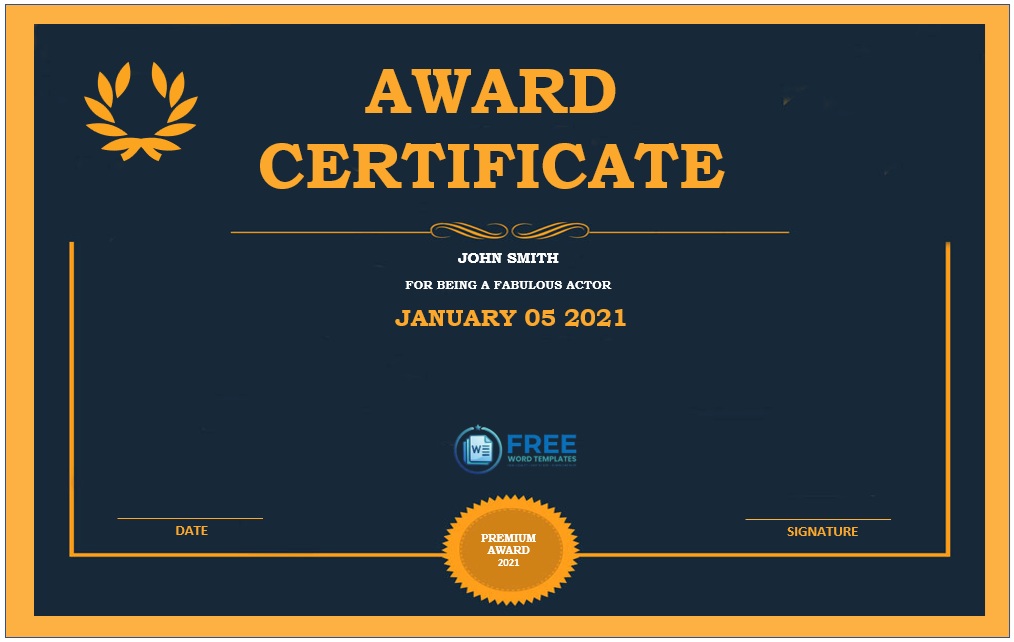
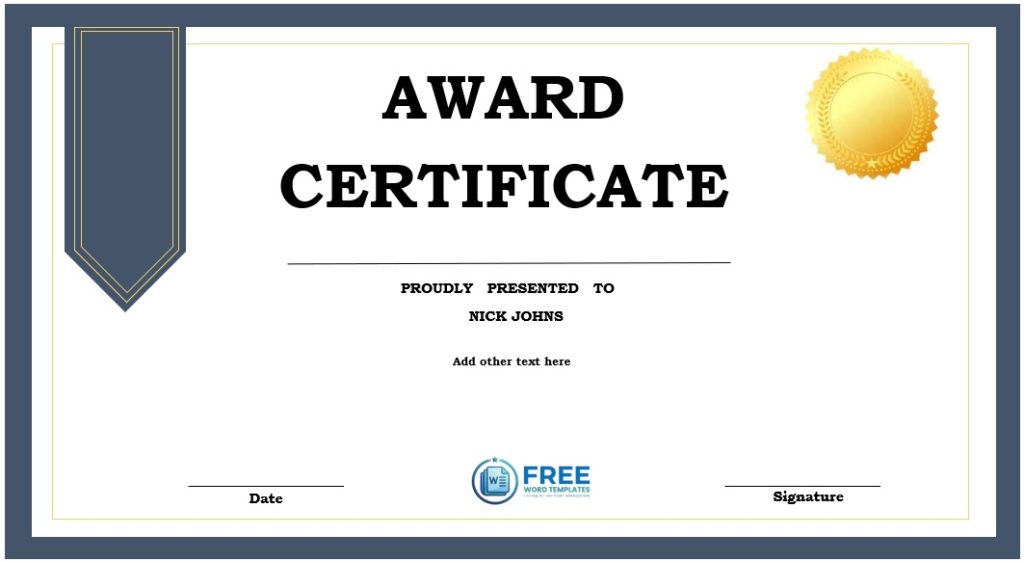
Creating your own template can be very time-consuming. By using our collection of award certificates, you won’t have to worry about printing, sending, and receiving the certificates, and will only need to download and customize our samples below.
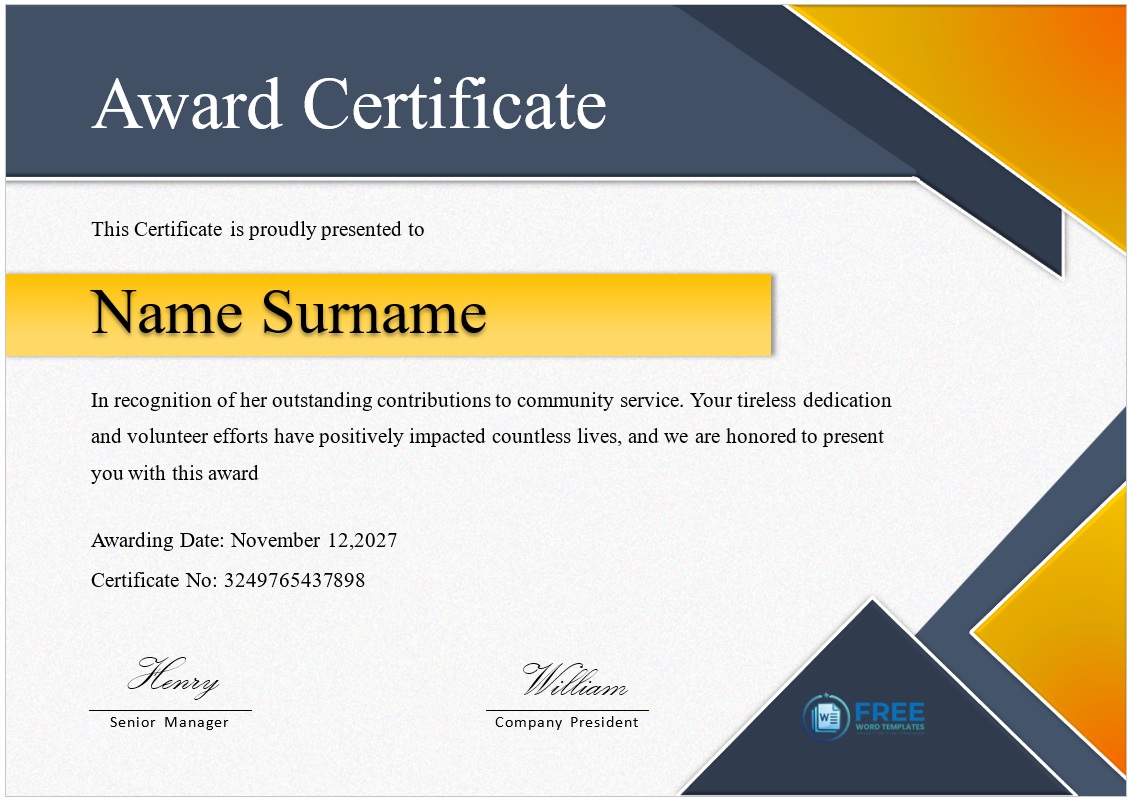
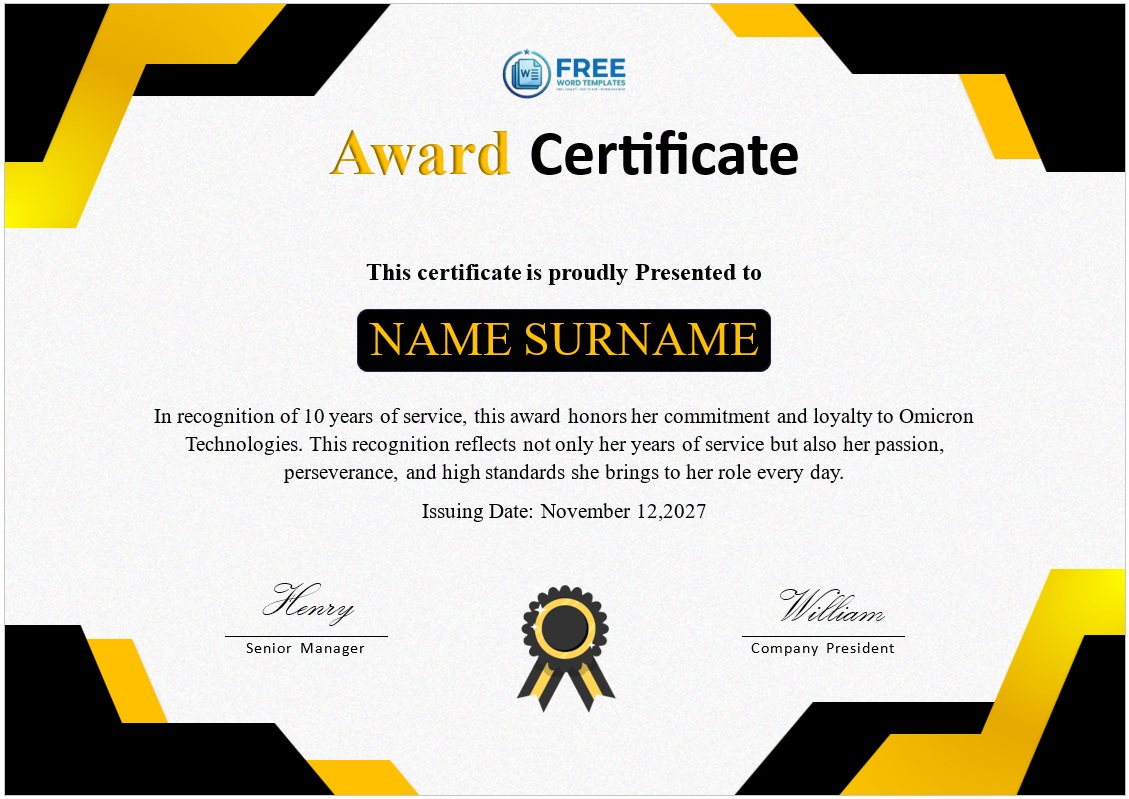
Award, Achievement, Merit or Recognition?
An award is competitive. Somebody won, or was selected from a field — which is what separates it from the other certificates in this family:
- Award — won or chosen. Usually one recipient, or a small number.
- Achievement — accomplished something specific, usually measurable. No competition required.
- Merit — met a published standard. Anyone reaching the bar receives one.
- Recognition — contributed or served, with nothing measured and nobody competing.
- Excellence — sustained high-quality work in a named field, over a period.
The practical test: if you had to choose between candidates, it’s an award. If everyone who did the thing gets one, it’s achievement, merit or recognition. Using “award” for something uncontested isn’t wrong exactly, but it quietly devalues the ones that were.
The Citation Line
The line beneath the recipient’s name is the certificate. Everything else — the border, the seal, the typeface — is presentation.
“Award of Excellence” above a name records that something happened without saying what. The recipient can’t explain it, nobody reading it later learns anything, and it goes in a drawer. One or two sentences naming what the person actually did is what makes a certificate get framed.
Three things that make a citation work:
- Name the thing. The project, the competition, the result, the behaviour. Not “outstanding contribution”.
- Attach a number where there is one. A percentage, a total, a time, a count of people. Numbers make a citation checkable and memorable.
- Add one specific observation. The detail only someone who was paying attention would know. It’s what turns a formal document into a personal one.
If you can’t write two specific sentences about the recipient, that’s worth knowing before the ceremony rather than during it.
Wording by Occasion
Workplace
…in recognition of exceeding the annual sales target by [X]%.
…for delivering the [project] on time and [X]% under budget.
…awarded for the highest customer satisfaction score in the division, [year].
…for [X] consecutive months without a safety incident.
…in recognition of [X] years of service to [organization].
Employee and team awards
…Employee of the Month, [month year], for [specific reason].
…Team of the Year, awarded to the [team] for [achievement].
…Most Improved, for [what changed and over what period].
…Coach’s Award, for [the thing you noticed that nobody else did].
Academic and school
…for achieving the highest result in [subject], [year group].
…awarded first place in the [competition], [date].
…for outstanding progress in [subject] across the academic year.
…in recognition of [X] years of full attendance.
Sports and competition
…first place in the [event], [meeting], [date].
…awarded Player of the Season, [year], for [reason].
…winners of the [tournament], [year].
…for a new personal best of [time or distance] on [date].
Volunteers and community
…in recognition of [X] hours of volunteer service to [organization].
…awarded for outstanding contribution to [project or cause].
…for [X] years of service to this community.
Events and competitions
…winner of the [category], [event name], [year].
…highly commended in the [category] at [event].
…awarded for the best [entry type] submitted to [competition].
Closing formulations
Presented this [day] day of [month], [year].
Awarded in recognition of outstanding [quality], [date].
With the sincere thanks and admiration of [organization].
Issuing a Batch: Mail Merge
If you’re producing more than about fifteen certificates, typing names one by one is the wrong approach. Word’s mail merge will produce a personalised certificate for every row of a spreadsheet — not in one click, but in about ten minutes of setup for any number of recipients.
- Build the list first. One spreadsheet, one row per recipient, with a column for each thing that changes: first name, last name, award title, citation, date. Put the headings in row one and keep them simple — “FirstName”, not “First Name (as it should appear)”.
- Open your certificate template in Word and go to Mailings ? Start Mail Merge ? Letters.
- Connect the list via Select Recipients ? Use an Existing List, and choose your spreadsheet.
- Insert the fields. Click where the name should appear, then Insert Merge Field and pick the column. Repeat for the citation and anything else that varies. The placeholders show as «FirstName».
- Format the placeholder, not the result. Select the «FirstName» field and set the font, size and colour you want — the merged names inherit that formatting. This is the step people miss, and it’s why merged certificates often come out in the wrong typeface.
- Preview before committing. Preview Results steps through the actual records. Check the longest name on your list, not just the first record — a name that overflows the line is the commonest merge problem.
- Finish. Finish & Merge ? Edit Individual Documents produces one long document with every certificate, which you can check and then print. “Print Documents” sends them straight to the printer.
Three things worth doing before you print two hundred:
- Print the first three on plain paper and read them properly. Merge errors repeat across every copy.
- Check the names against your source record, not the sign-up sheet. A misspelling in the spreadsheet becomes a misspelling on every affected certificate.
- Save the merged document as well as the template. It’s your record of exactly what was issued to whom.
Printing and Presenting
- Card of 200–250 gsm, matt rather than gloss. Matt photographs better, and people photograph these.
- Print at 100%, never “fit to page”, so borders stay where the design intends.
- Export to PDF with fonts embedded if a print shop is handling it, or your typeface will be substituted.
- Sign by hand. On a recognition document a printed signature rather undercuts the gesture — even on a batch of fifty.
- Read the citation aloud when presenting. Thirty seconds of explanation is the difference between an award and a name being called.
- Check name pronunciation beforehand. Ask rather than guess — getting it wrong in front of a room is what the recipient will remember.
- Present publicly where you can, and take a photograph. Most recipients keep the photograph longer than the certificate.
- Consider a frame for significant awards. It roughly doubles the chance it ends up on a wall.
Related certificates: employee of the year for the top annual workplace award, sports certificates for teams and sports days, appreciation certificates for thanking people, and blank certificates to build your own design.
Frequently Asked Questions
What is an award certificate?
A printable document recognising that someone won or was selected for something — a competition, a title, a top result. It differs from achievement and merit certificates in being competitive: not everyone who took part receives one.
What should an award certificate say?
The award title, the recipient’s full name, and a citation of one or two sentences naming what they actually did — ideally with a number attached. “Award of Excellence” above a name records nothing; “for exceeding the annual target by 23%” does.
What is the difference between an award and an achievement certificate?
An award is competitive — somebody won or was chosen. An achievement certificate records a specific accomplishment and can be given to anyone who reached it, with no competition involved.
How do I make 200 certificates at once?
Use Word’s mail merge against a spreadsheet of names: Mailings ? Start Mail Merge ? Letters, connect your list, insert the merge fields, format the placeholder rather than the result, preview the longest name, then Finish & Merge. Setup takes about ten minutes regardless of quantity.
Why do merged certificates come out in the wrong font?
Because the formatting has to be applied to the merge field placeholder, not after merging. Select the «FirstName» field itself and set the typeface, size and colour — the merged names inherit it.
What paper should award certificates be printed on?
200 to 250 gsm card, matt rather than gloss, printed at 100% scale. Export to PDF with fonts embedded if a print shop is producing them.
Should award certificates be signed by hand?
Yes, including on a batch. A printed signature on a recognition document undercuts the gesture, and signing fifty takes a few minutes.

Pete Smith is a Business Management graduate and a passionate advocate for practical, accessible resources that empower professionals and entrepreneurs to succeed. With a strong foundation in organizational strategy and operational efficiency, Pete combines academic knowledge with real-world insights to simplify complex business processes. He is the creator behind a growing online platform dedicated to offering free, high-quality documents, templates, and actionable tips designed to save time and improve productivity.